How to send a wedding invitation on WhatsApp properly
The mechanics nobody explains: image compression, dead end PDFs, broken link previews, broadcast lists, and what to do about elders who will not tap a link.
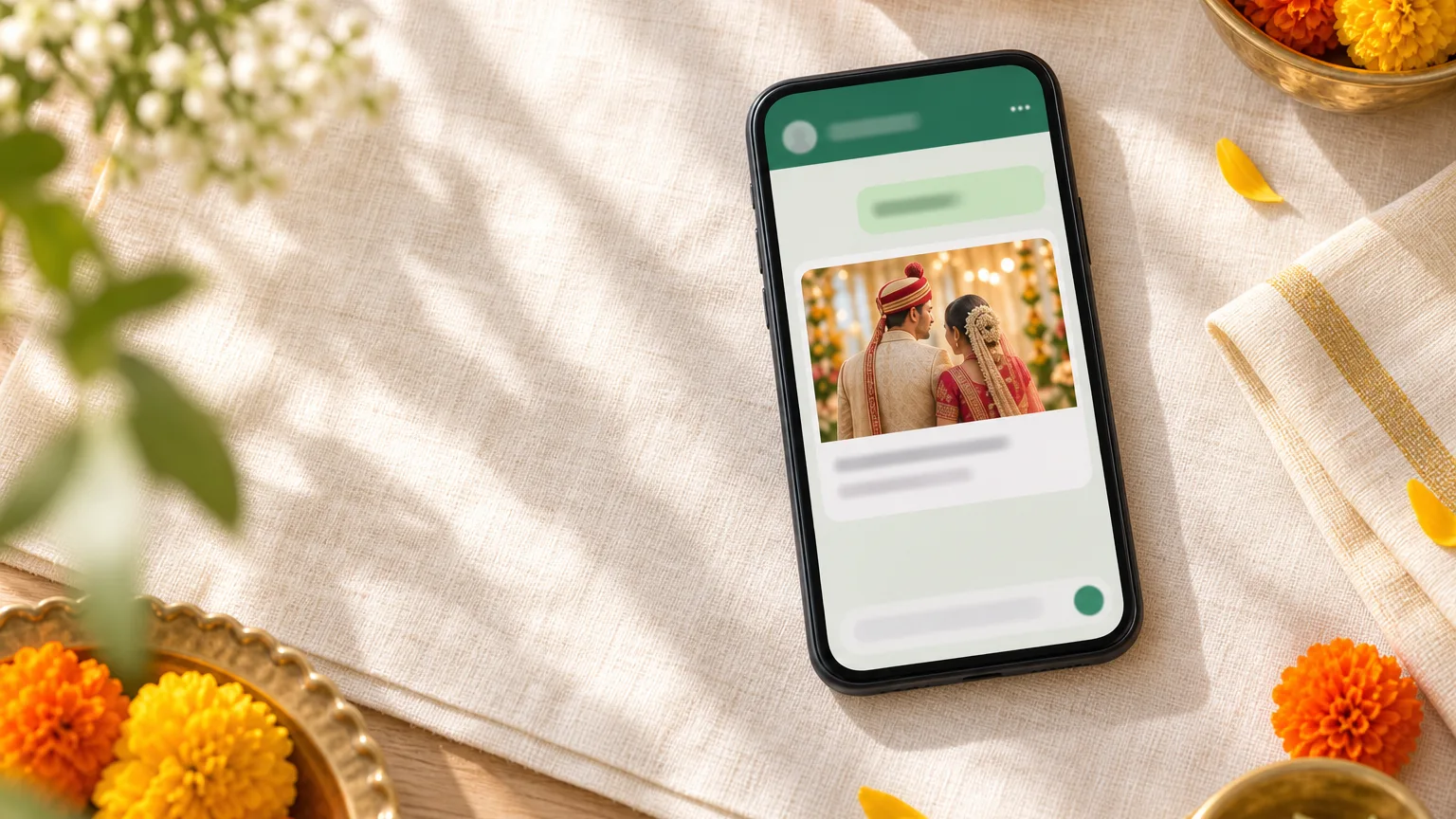
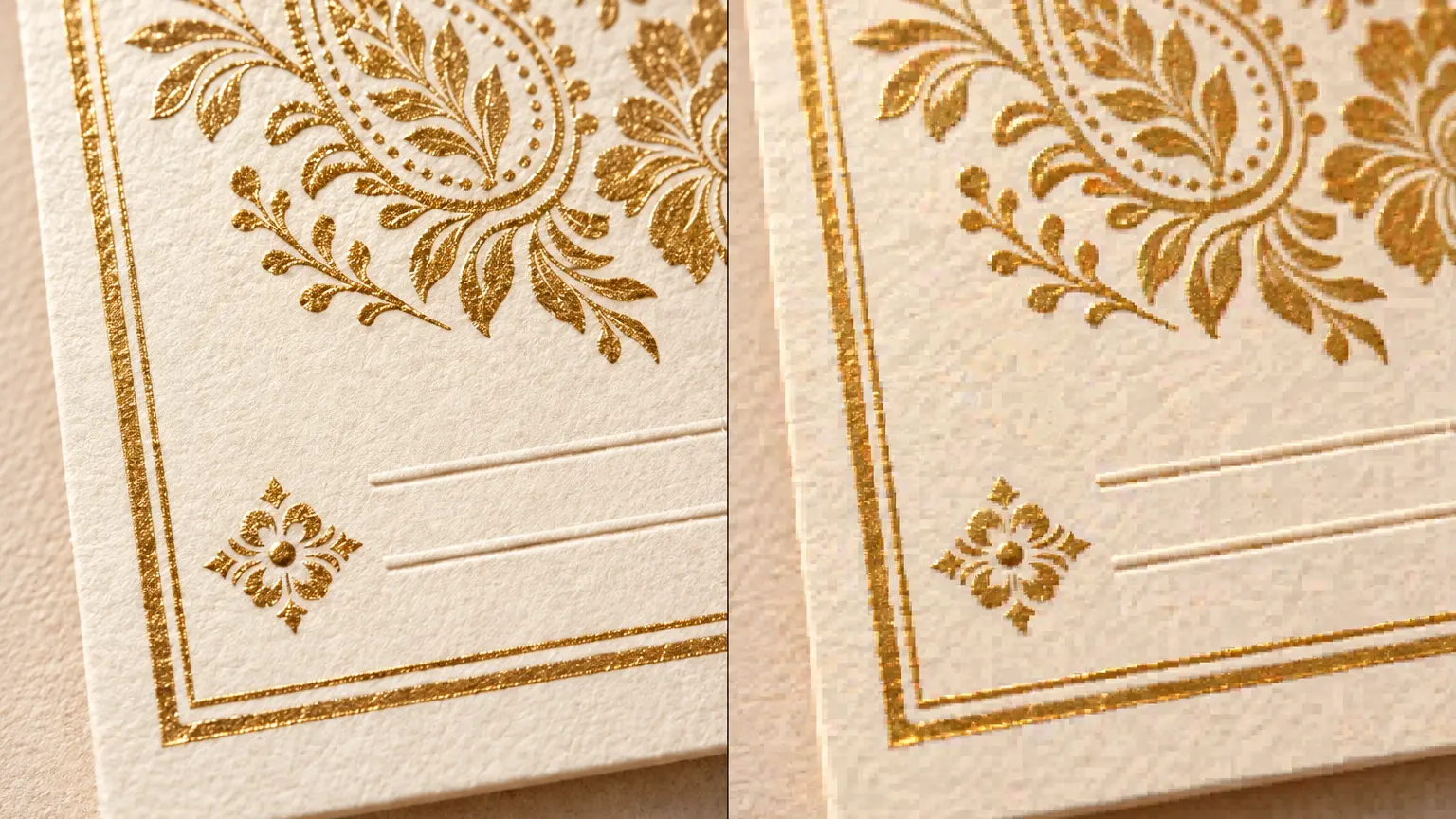
You paid a designer for your wedding invitation. You approved four rounds of a gorgeous card. Then you sent it on WhatsApp to your sister, and it arrived looking like a photocopy of a photocopy. The venue name is soft, the border has gone crunchy, and the gold has turned a sort of mustard. That is not your designer's fault and it is not your phone.
WhatsApp is optimised for a country with patchy data, which means it re-encodes almost everything you push through it. Understanding what it does to each format is the difference between an invitation that looks expensive and one that looks like a forward.
Why your wedding card looks blurry on WhatsApp
Send an image through the photo picker and WhatsApp compresses it before it leaves your phone. Large flat areas survive. Thin decorative type, fine gold linework and small print do not, which is precisely the part of a wedding card a designer spent the most time on.
It gets worse on the way down the family tree. Your cousin saves the compressed image to her gallery and forwards that, which compresses it again. By the fourth hop the muhurat timing is a smudge and somebody calls your mother to ask what time the pheras are.
Sending it as a document, and why that only half works
Attach the same file through the document option instead of the photo option and WhatsApp leaves it alone. The quality is genuinely preserved. This is the standard advice and it is correct as far as it goes.
It goes about half the distance. Your guest now receives a file rather than a picture. They tap, wait for a download, land in a viewer, and pinch to read the venue. On a phone held at arm's length by someone who needs reading glasses, a beautiful A5 card at full resolution is still a beautiful A5 card that is far too small.
The PDF is a dead end
A PDF is worse than the JPEG, not better. It opens in a document viewer where the address is text rather than a map you can tap. There is nowhere to reply. Nothing in it is searchable from a chat six weeks later when somebody is looking for the hotel name.
The real problem is that it is frozen. Venues change, timings slip, and a phone number turns out to have a typo. Your only move is to send a second PDF, at which point two versions of your invitation exist in three hundred chats and half your guests have the wrong one.
The second version is the actual disaster
The video invite is not the answer either
Animated video invites solved the compression problem by creating a bigger one. The file is heavy, WhatsApp compresses video too, and the format makes you wait before it gets round to the date. Ask yourself how many wedding invite videos you have watched all the way to the end.
It works as a teaser alongside something a guest can use. It fails as the only thing you send, because nobody scrolls back to a video to check the sangeet timing. The long version of that argument, with the PDF and the website next to it, is in how a PDF, a video invite and a wedding website compare.
What a link preview is, and why yours is a grey box
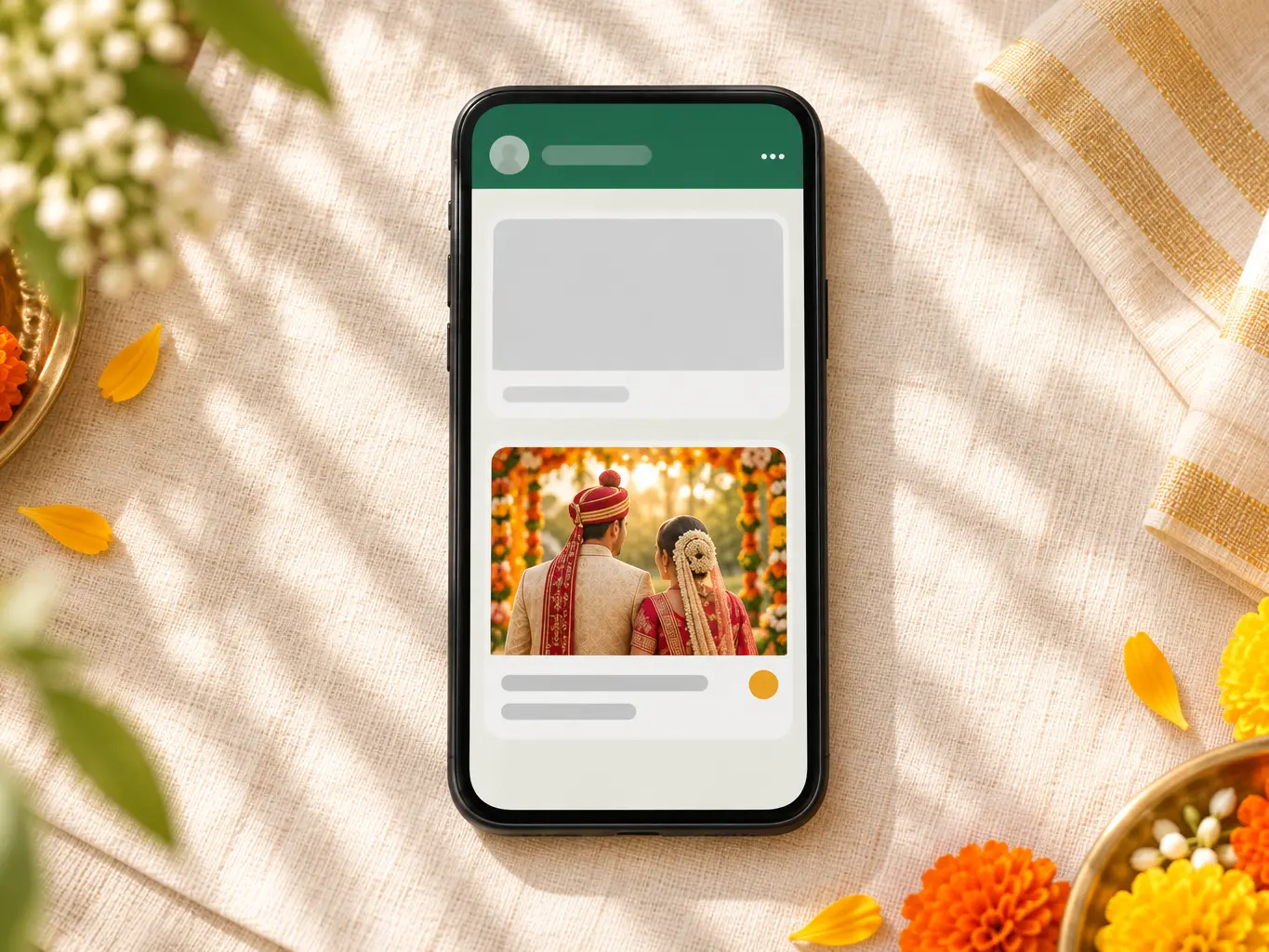
When you paste a link into WhatsApp, it quietly fetches that page and reads a few hidden tags in the page header: a title, a short description, and a preview image. That is where the small card underneath your message comes from.
If those tags are missing, you get the grey box. A truncated URL, no picture, sometimes the name of the tool you built the page with instead of your own names. Three hundred people see that card before they see anything else you have made, and a grey box is exactly what a phishing link looks like.
Two things about that card catch people out. It is generated when you paste the link, not when the guest opens it, so it travels with the message. And WhatsApp holds on to what it found for a while. Fix your page on Tuesday and Monday's messages still show Monday's card. Get the preview right before the first message goes out, not after.
| What you send | What the guest has to do | Fix a mistake later | Collect RSVPs |
|---|---|---|---|
| Card as a photo | Squint at a compressed image | Re-send to everyone | No |
| Card as a document | Download, open a viewer, pinch | Re-send to everyone | No |
| Download, open a viewer, pinch | Re-send to everyone | No | |
| Video invite | Watch it through to reach the date | Re-export and re-send | No |
| Link to a page | Tap once | Edit the page | Yes |
How to send a wedding invitation on WhatsApp to a long guest list
WhatsApp's own rules on unauthorised automated or bulk messaging prohibit it, and accounts do get restricted for it. Sending your own guest list from your own phone is not the behaviour that rule targets. Pasting your list into a third party bulk sender is, and a number banned that way is not one you get back quickly.
Send in batches over a few days rather than three hundred messages in one evening, and change the first line each time so it reads as a message rather than a blast.
Broadcast lists help with the mechanics: one composition, delivered as separate private chats, with replies coming back to you individually instead of into a group. The catch is real and worth knowing before you rely on it. A broadcast only reaches people who have your number saved in their contacts. Half your father's side has him saved and not you.
Groups, and when not to use one
A group is a good notice board and a bad invitation. It stops forty people asking for the date. It also makes every reply public, so one cousin's awkward question about who is invited to the mehendi becomes a thread everybody reads.
Use the group for logistics after people have accepted, and invite them individually. Never build a group specifically to invite people. A wedding group of three hundred strangers gets muted fast, and then nobody sees the baraat timing.
The elders who will not open a link
This is the objection that stops couples from sending a link at all, and it is usually overstated. The elders in question use WhatsApp all day. What they have not done is tap a blue link in a chat, mostly because they have been told for years that links are how people lose money.
The fix is social rather than technical. Call first so the message is expected. Send a covering line that names you, attach the card image so there is something to look at even if they never tap, and ask whoever in that house is under thirty to open the link once. After someone has opened it for them, they open it themselves next time. If you want that covering line ready written, there is a set sorted by who is receiving it in wedding invitation messages for WhatsApp.
Namaste [Aunty], [Your name] here, [Parent's name]'s son. Our wedding is on [date] at [venue]. I am sending you the card and also a link with the map and timings, it opens directly on your phone: [link]
Making the link itself look like an invitation
A link full of random characters reads as suspicious even to people who are comfortable with links. A link with your names in it reads as an invitation before anyone taps anything. That is the difference between a guest opening it in the chat and a guest deciding to look later, which means never. What has to be on the page once they do tap is a separate list, and it is written out in the wedding website content checklist.
On Shagun Studio your site sits on its own subdomain, so the address looks like your-two-names.shagunstudio.com rather than a query string. Every template gets one. Put that address next to a preview card carrying your photograph and your own sentence and the message stops looking like a forward.
[Name], we are getting married on [date] in [city]. Everything is on this one page, including the map and the RSVP: [link]
One test before you send anything. Paste your link into a chat with yourself, on the phone you will actually send from, and look at what appears. Your names, a readable line, a picture that is yours, and you are done. A grey rectangle with a cropped URL means fix it now, before the first message goes out.
Questions people ask
Why does my wedding card look blurry on WhatsApp?
Because WhatsApp re-encodes anything you send through the photo picker so it moves quickly on slow connections. Fine print and thin decorative type are the first things to go. Sending the same file through the document option keeps the original quality, but then it arrives as a file the guest has to download and pinch to read.
Should I send the invitation as a JPEG or a PDF?
Neither, if you can avoid it. A JPEG gets compressed, a PDF opens in a document viewer with no tappable map and no way to reply. Both freeze the moment you hit send, so a wrong timing stays wrong in three hundred chats. Send a link, and attach the card image only for people who want something to keep.
Why is there no image showing under my invitation link?
WhatsApp builds that card by fetching your page and reading its Open Graph tags. No title, description or preview image on the page means a grey box with a shortened URL. The card is made when you paste the link and travels with the message, so fixing the page later does not repair messages already sent.
Can WhatsApp ban me for sending too many invitations?
WhatsApp's own published rules on unauthorised automated and bulk messaging prohibit it, and accounts do get restricted for it. Sending your own guest list from your own phone over a few days is not what that rule is aimed at. Third party bulk senders and blasting identical text to hundreds of people who never saved your number are.
What is a broadcast list and should I use one?
It sends one message to many people as separate private chats, so replies come back to you individually instead of into a group. The catch: it only reaches people who have your number saved. For a wedding list that is a real gap, since half the extended family has you saved and half does not.
What do I do about relatives who cannot open a link?
Call them. Then send the card image in the same chat so there is something on their screen, and ask a grandchild in that house to open the link once. Most of the time the problem is not the link, it is that nobody has ever tapped one in that chat before.
Ready to send yours?
Pick a design, add your names and your events, and share the link. Building is free. You pay once, when you publish.
Browse the designs